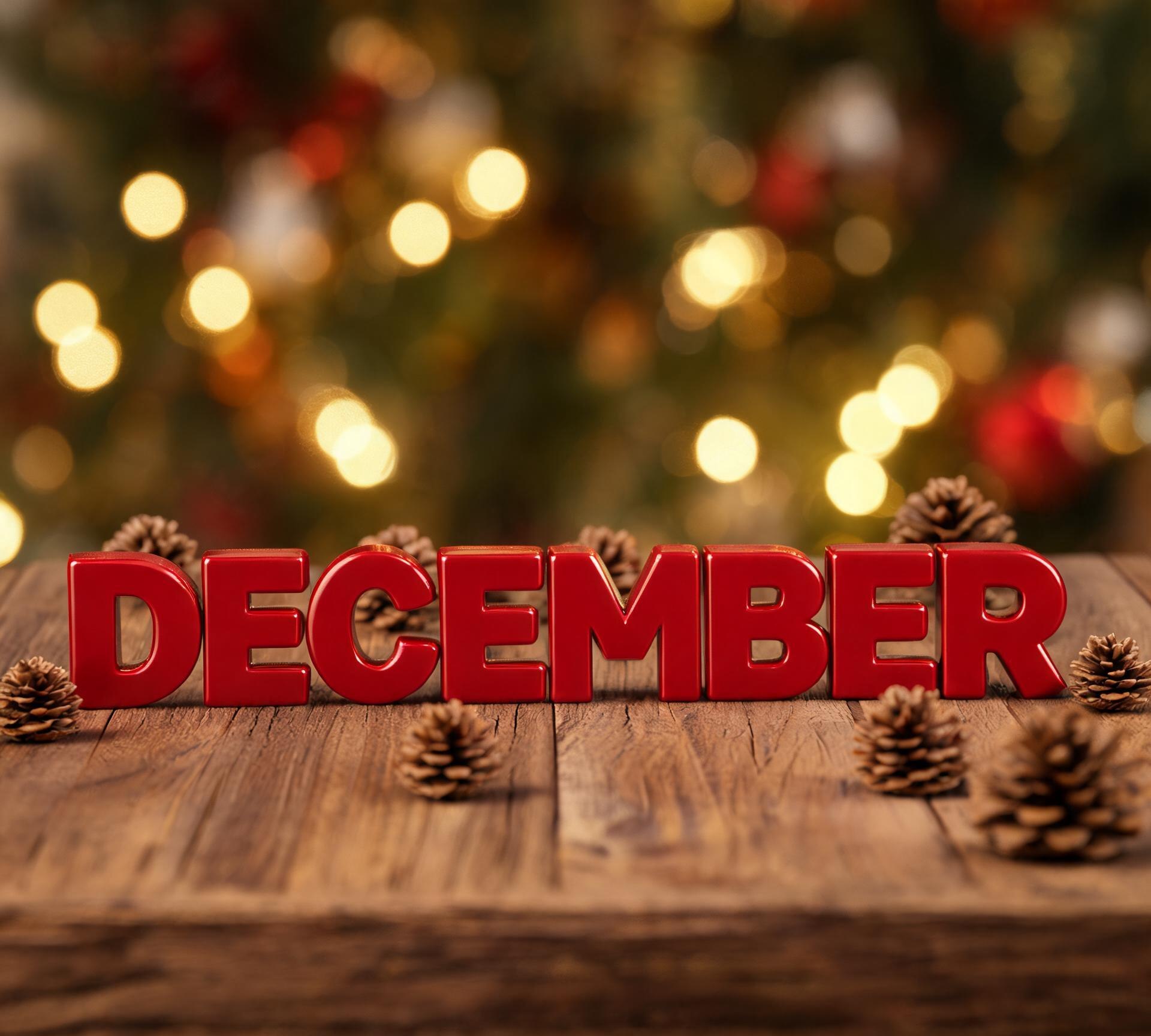
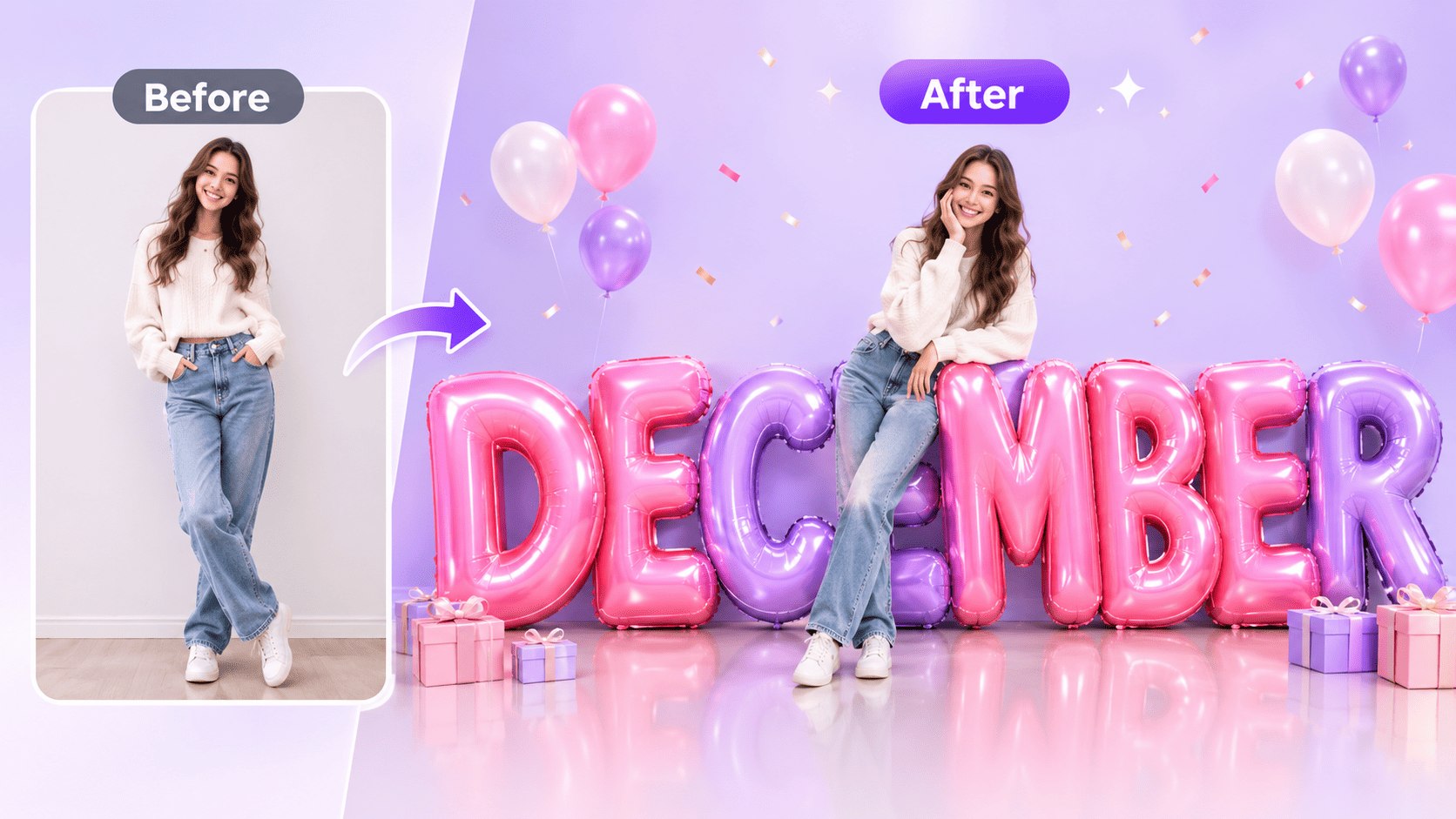
Before and after: a plain studio photo becomes a portrait beside giant glossy DECEMBER balloon letters
Image effects

3D Month Letters AI Photo Generator for November and December

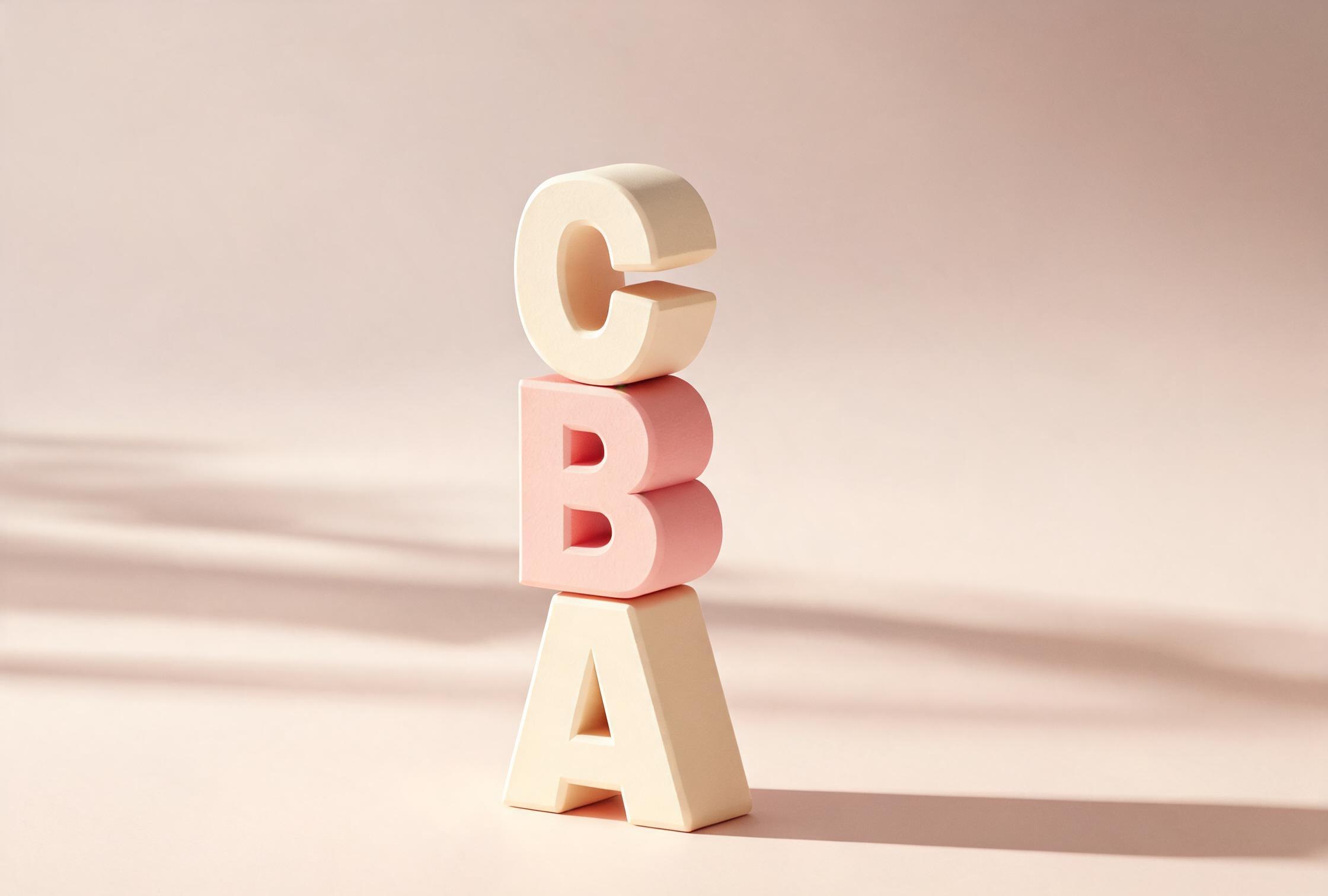
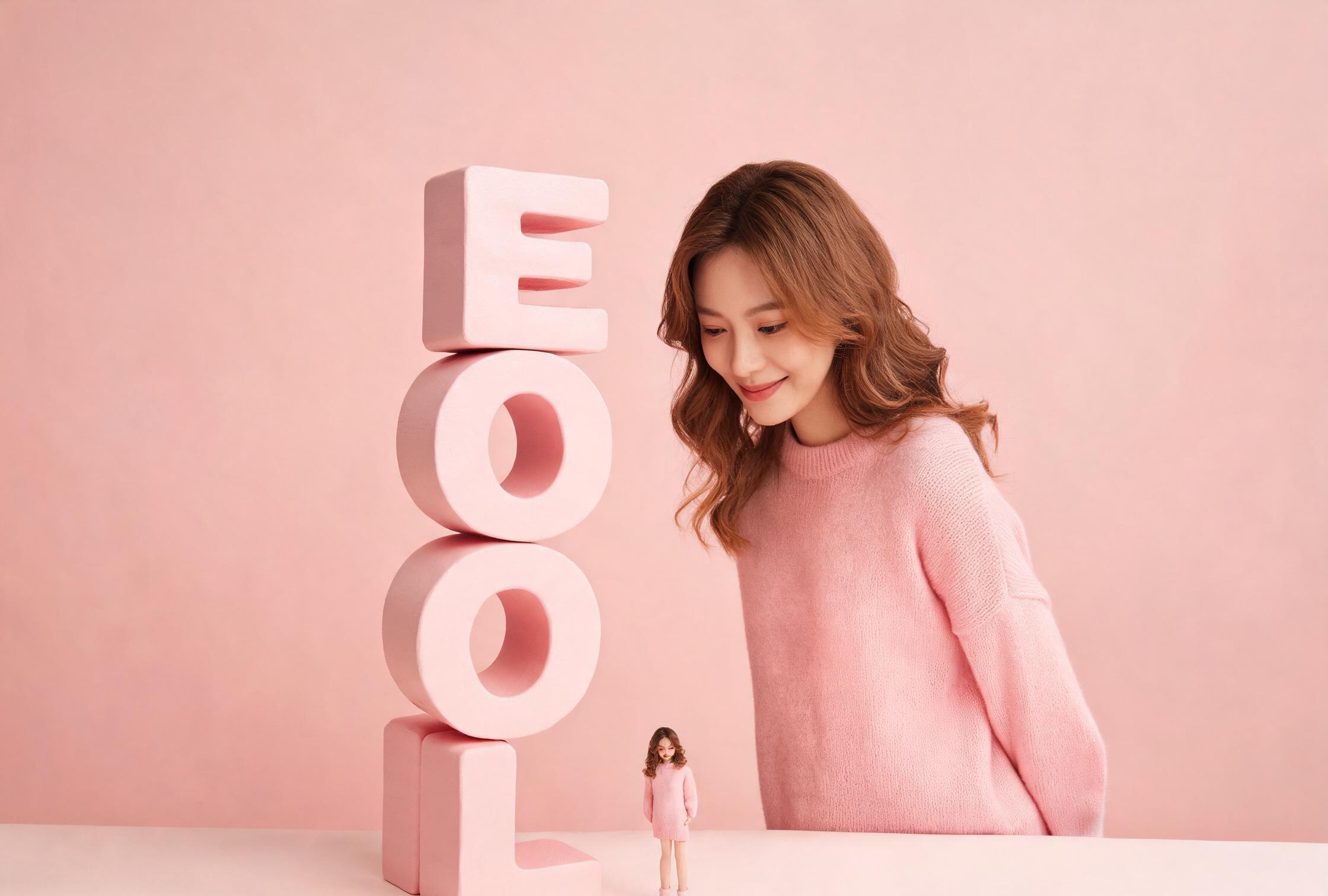
Giant glossy letters spelling NOVEMBER or DECEMBER, you leaning against them, and a tiny version of you in the same outfit standing nearby. The letters sit on the floor with real shadows, and the face in the photo stays yours. AI still muddles long words now and then, so every prompt spells the month out and gives you room to check it. Copy one, paste it into the studio, and see what you get.

GPT Image · Gemini1:1

Prompts for 3D Month Letters AI Photo

Three takes on the same idea: the full-body hero shot, a taller letter stack, and a mini-me version. Pick one and copy the prompt under it.

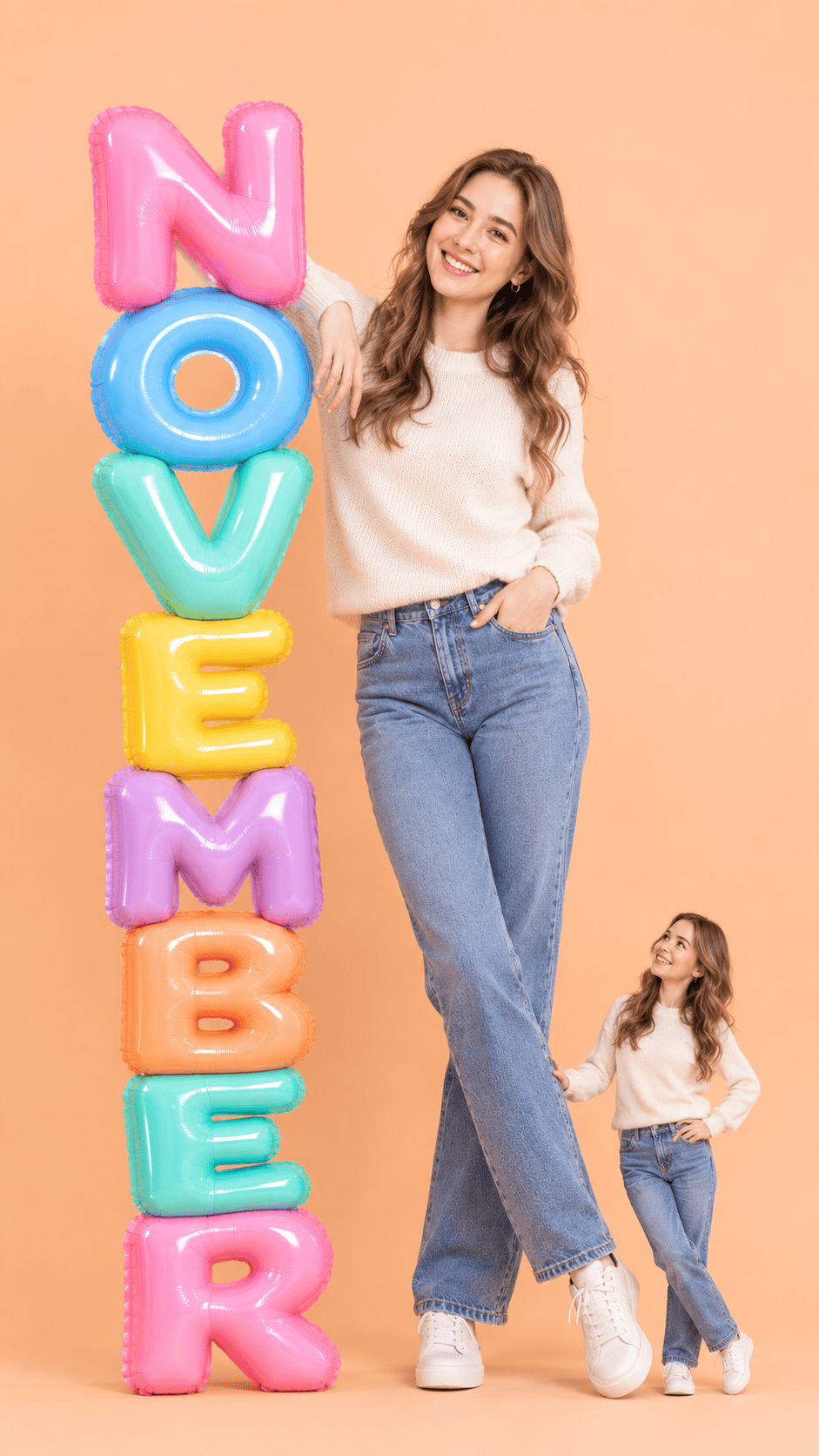
Full-body NOVEMBER balloon letters with a matching mini-me

Full-body NOVEMBER balloon letters with a matching mini-me

You, full length, leaning against tall glossy NOVEMBER balloon letters, with a smaller mini-me in the same outfit beside them. Same face, skin tone and proportions from your reference photo. This is the hero shot — start here if you want the result to match the preview.
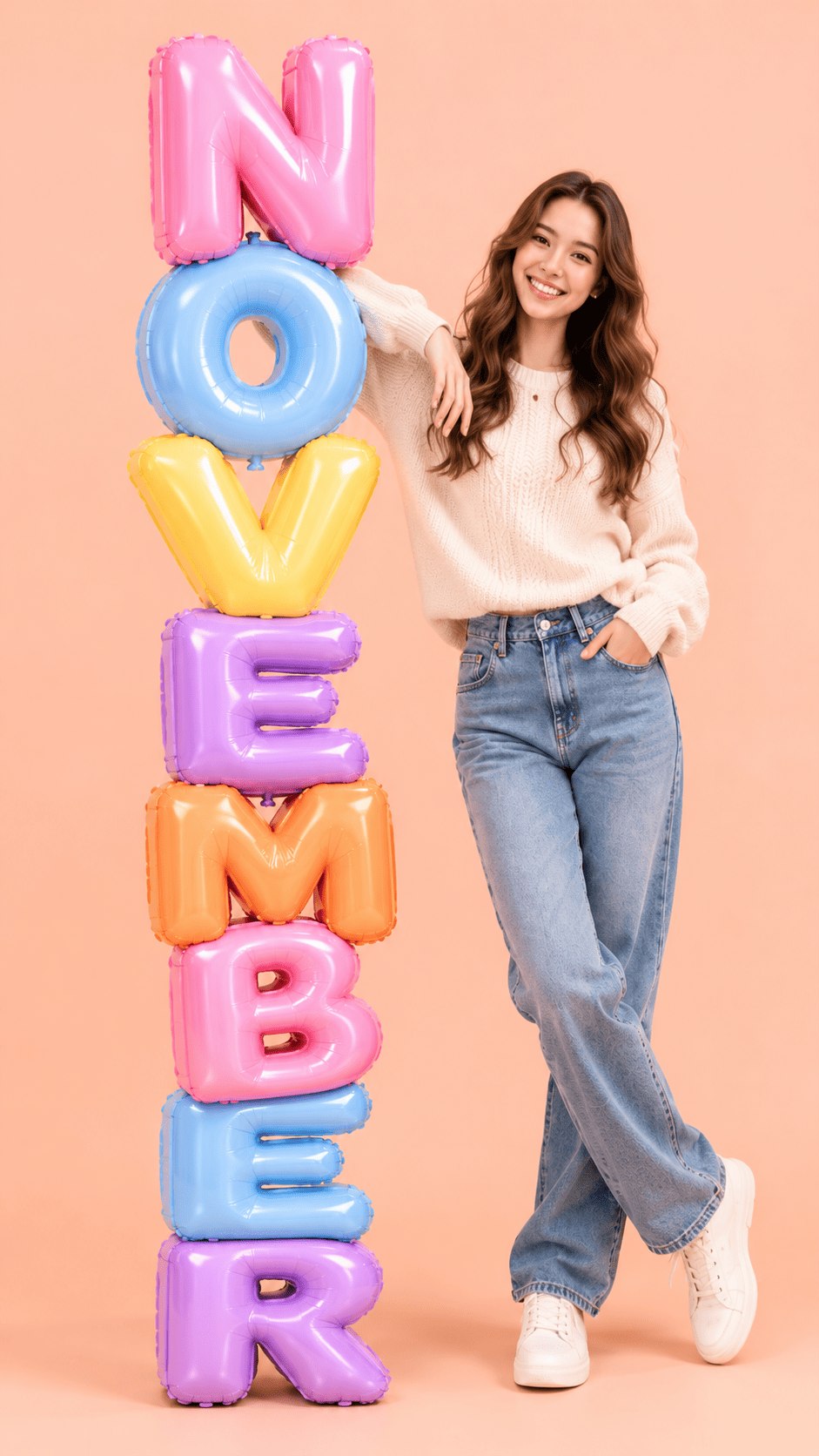
Lean against a towering NOVEMBER balloon stack

Lean against a towering NOVEMBER balloon stack

A soft peach backdrop, glossy pastel foil balloons stacked eight letters high, and you leaning casually against them. The vertical 9:16 frame is built for phone wallpapers and story covers.

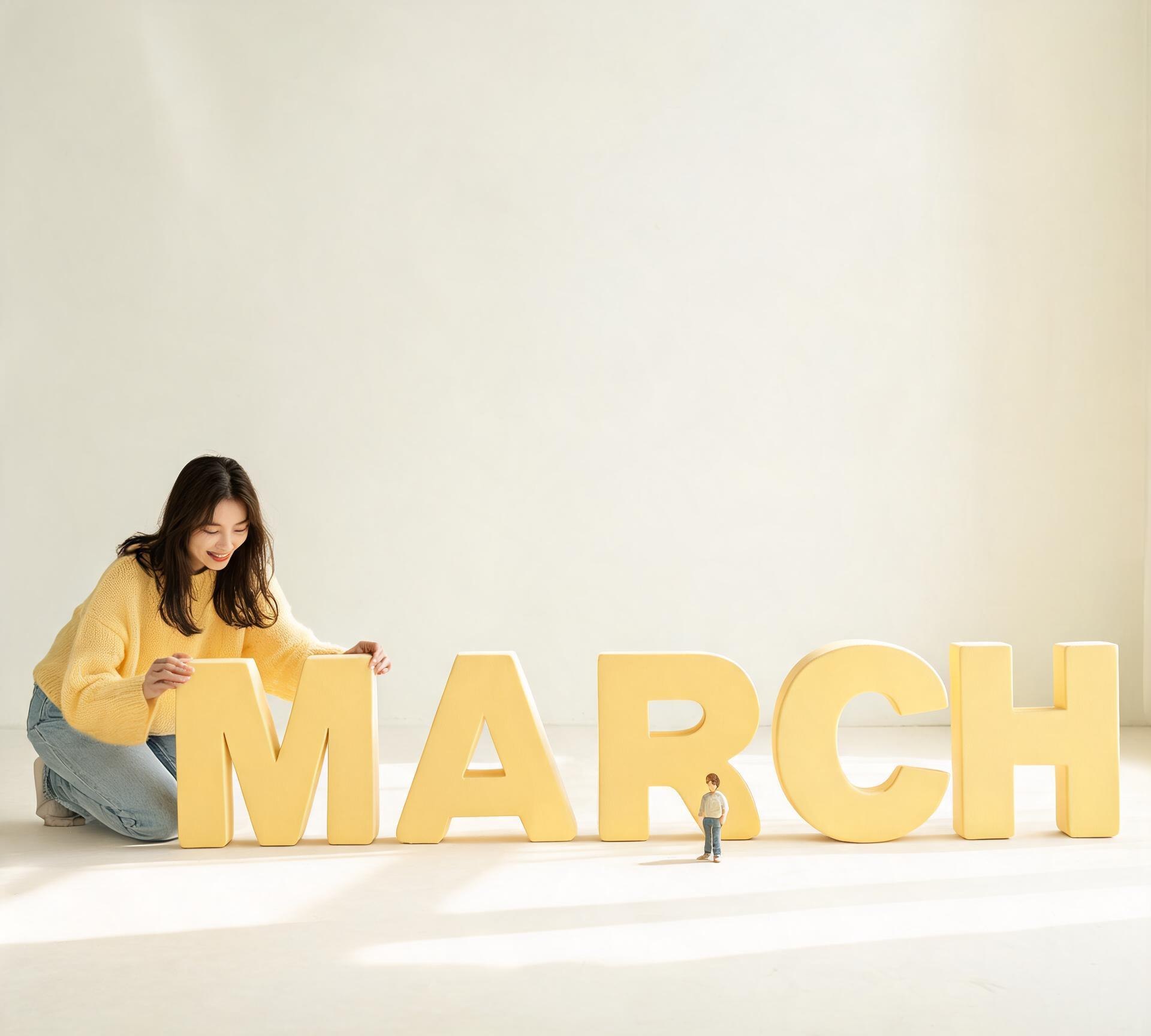
March with a matching mini-me

March with a matching mini-me

A second, much smaller version of you in the same outfit turns the poster into a story. Scale is the whole trick: she must look genuinely miniature.

Key Features of 3D Month Letters AI Photo

Four details that make or break these shots. Worth a look before you hit generate.

Give the letters real weight

Give the letters real weight

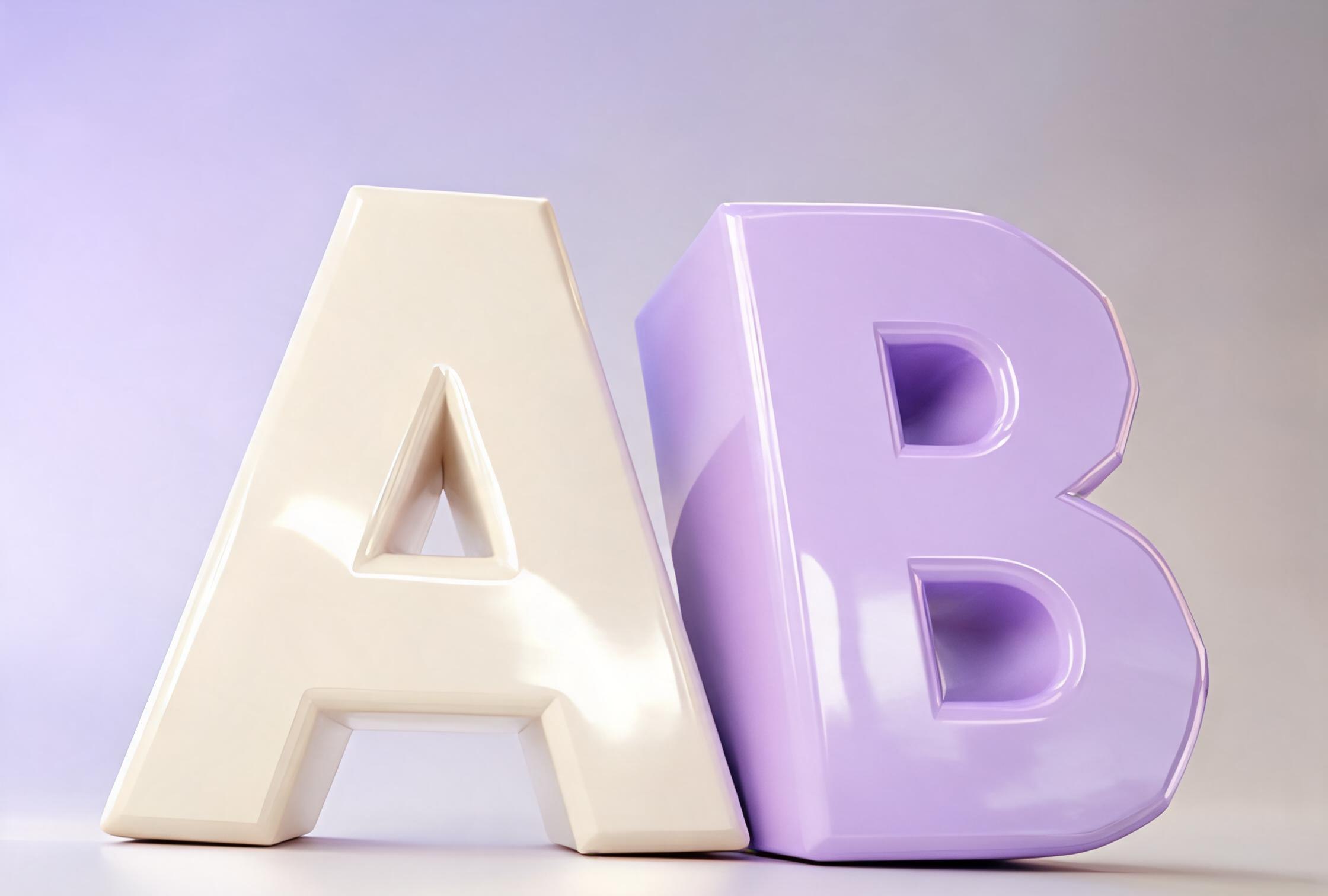
Flat letters floating in space are the giveaway. Ask for visible thickness, soft bevels and a shadow that falls on the floor, then check the stack actually touches the ground. A camera at chest height keeps the scale believable. GPT Image 2.5 does this look well — start there before trying something else.

Keep the face, change the month

Keep the face, change the month

Settle the subject first — face, outfit, pose — and add the festive bits afterwards. If the letters wobble or the face drifts, strip the scene back rather than rewriting the whole prompt. Glossy red DECEMBER letters, pine cones, warm rim light: that's plenty without asking the model to juggle five new ideas at once.

Make the mini-me genuinely small

Make the mini-me genuinely small

The tiny version should read as a figurine, not a second person. Say roughly one-eighth of your height, give it a simple doll face, and repeat the outfit word for word. Same pink knit sweater, same white sneakers — that's what makes the joke land.

Proofread the letters before you export

Proofread the letters before you export

AI draws glyphs as shapes, so long words go wrong. Spell the word in capitals, keep props away from the type, and count the letters in the output. If one is off, fix that letter in an editor — quicker than regenerating a shot you otherwise like.

Why Create 3D Month Letters AI Photo with Visora

Letters are where these images fall apart. The prompts spell the word out, describe the letters as real objects sitting on a floor, and keep the face from your photo.

Your month, your face, one readable word

Your month, your face, one readable word

The word is the whole point, so the prompt spells it in capitals, one letter at a time. Fussy, but it's the difference between NOVEMBER and NOVEMBR. Your face stays yours because the prompt keeps pointing back to the photo you uploaded.

Change the colour, keep the shot

Change the colour, keep the shot

Swap pastel balloons for deep-red blocks and the composition still holds. Keep the pose, the light and the letter stack; change one thing at a time so you can tell what actually helped.

One shot, a few sizes

One shot, a few sizes

The 9:16 version works as a phone wallpaper or a story. Crop that same render for a square post and you don't have to generate again — the letters and the mini-me are already where you want them.

How to Create 3D Month Letters AI Photo in 3 Steps

Prepare a readable source

Use a photo you own or have permission to use. Pick one where your face and hands are clear — a blurry source gives the model nothing to hold on to.

Prepare a readable source

Direct one clear generation

Pick GPT Image 2.5 in the studio, paste a prompt, and change only the word or the colour. Run a few versions; don't pile on extra instructions.

Direct one clear generation

Review and finish

Check the spelling first, then the shadow under the letters and whether the mini-me is small enough. Keep the take that gets those right and crop it for wherever you're posting.

Review and finish

3D Month Letters AI Photo FAQs

Misspelled words, an extra face, a mini-me the same size as you — and how to fix each one.

What is a 3D month letters AI photo?

It is a photo where oversized three-dimensional block letters spell a month, a word or a name, and the letters are treated as real objects standing in the scene. The person in the frame keeps their real face while the studio, the typography and the lighting are generated.

Do I need to upload a photo of myself?

For a portrait, yes. Every prompt tells the model to keep your face, so it restyles your photo instead of inventing someone new. If you only want the letters, drop the portrait sentence — the prompt still works as a typography shot.

Which months can I use?

Any month, plus names and short words such as LOVE or HAPPY. Longer words are harder: past roughly eight letters, models start dropping or duplicating glyphs, so plan to re-run or fix the type afterwards.

Why does the AI sometimes misspell the letters?

Image models generate glyphs as shapes, not as text, so long words drift. The reliable fix is to spell the word in capitals, put one letter per line in the prompt, keep props away from the type, and proofread the output before exporting.

Can I use the result commercially?

Visora gives you the prompt; the image comes from the model you pick in the studio. So the licence follows that model's terms — check those, and make sure you're allowed to use the photo you uploaded.

Explore More AI Models

The same prompt structure works across image models. Browse the library by model, or jump straight into a related tool.

Make your own 3D month letters photo

Open the studio with the prompt already filled in, swap the word, and generate the first version in under a minute.