
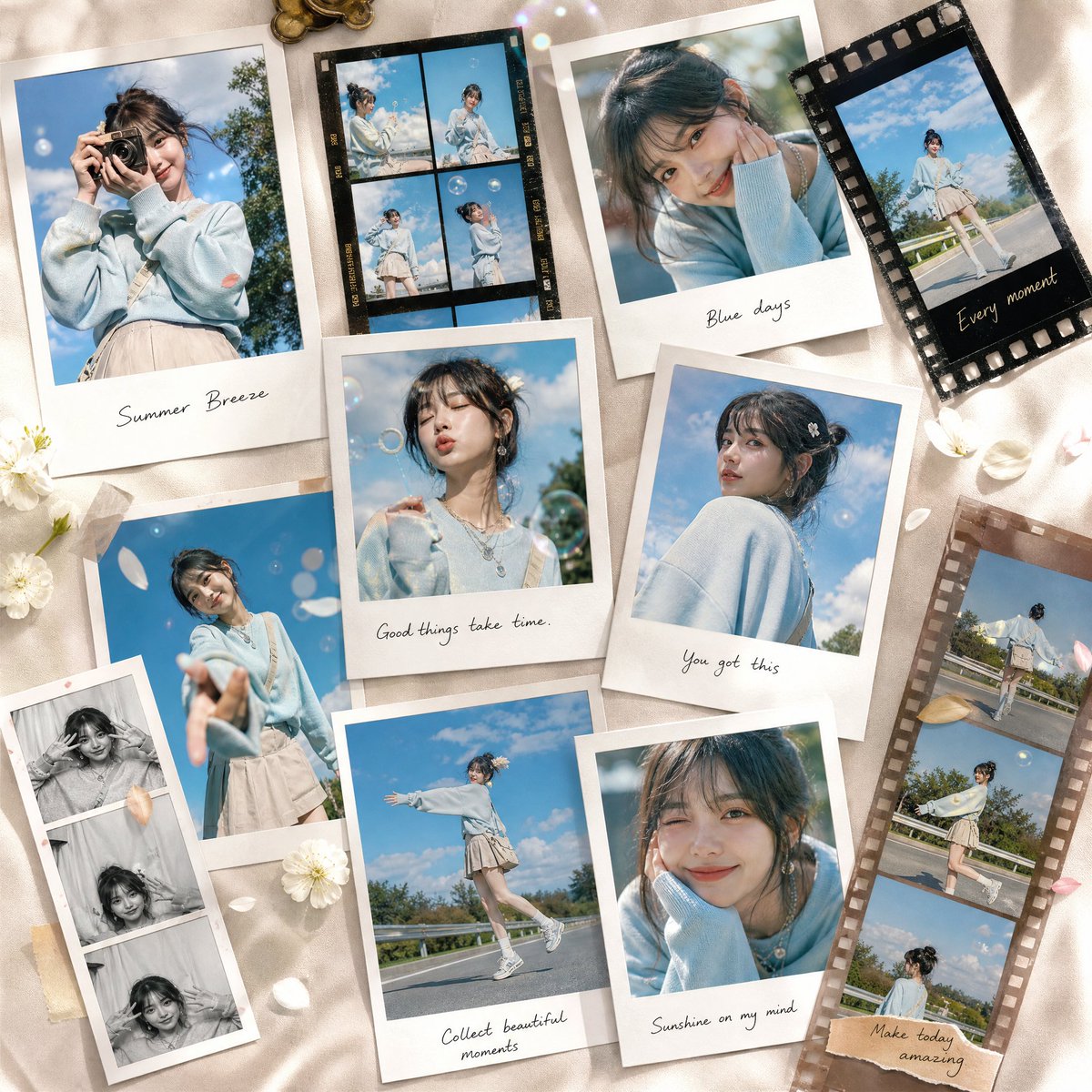
AI Photo Editing Prompts
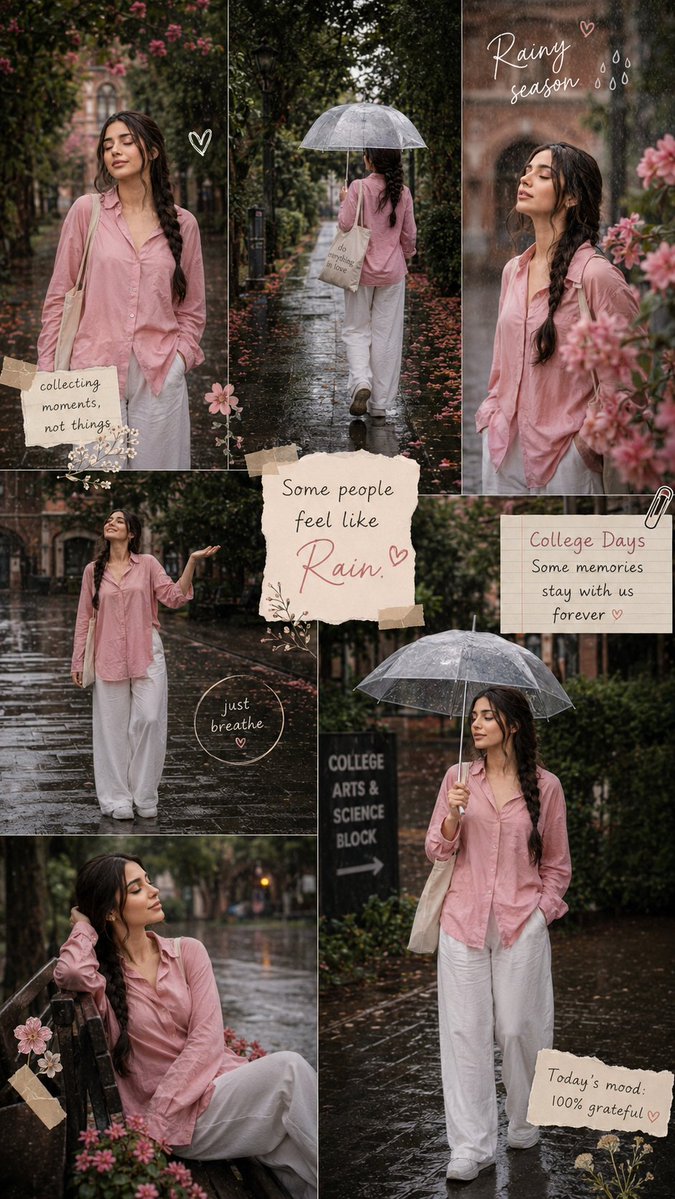
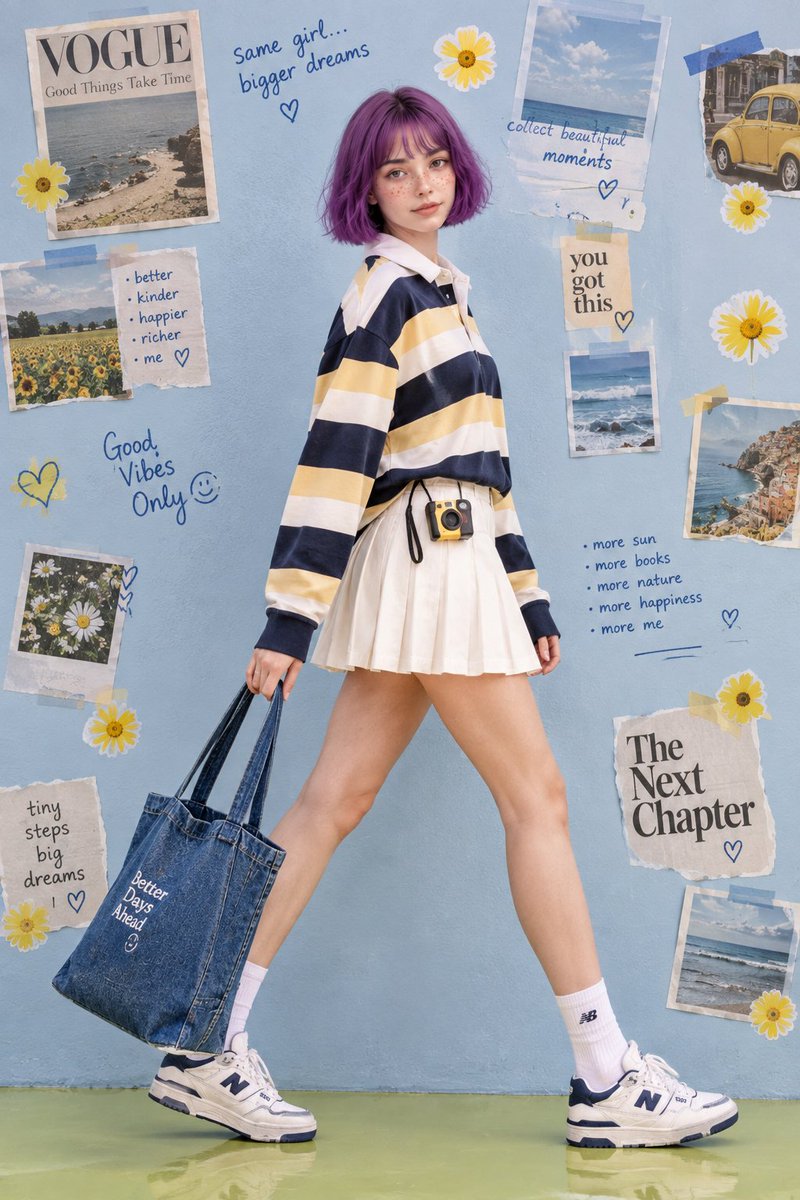
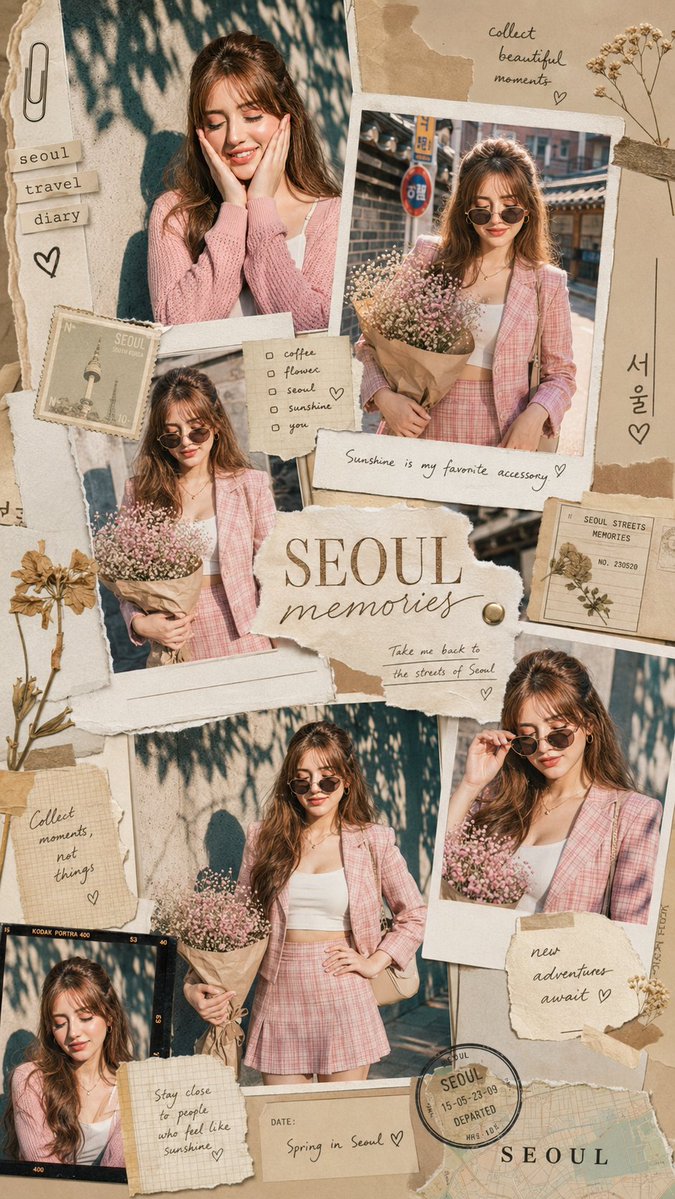
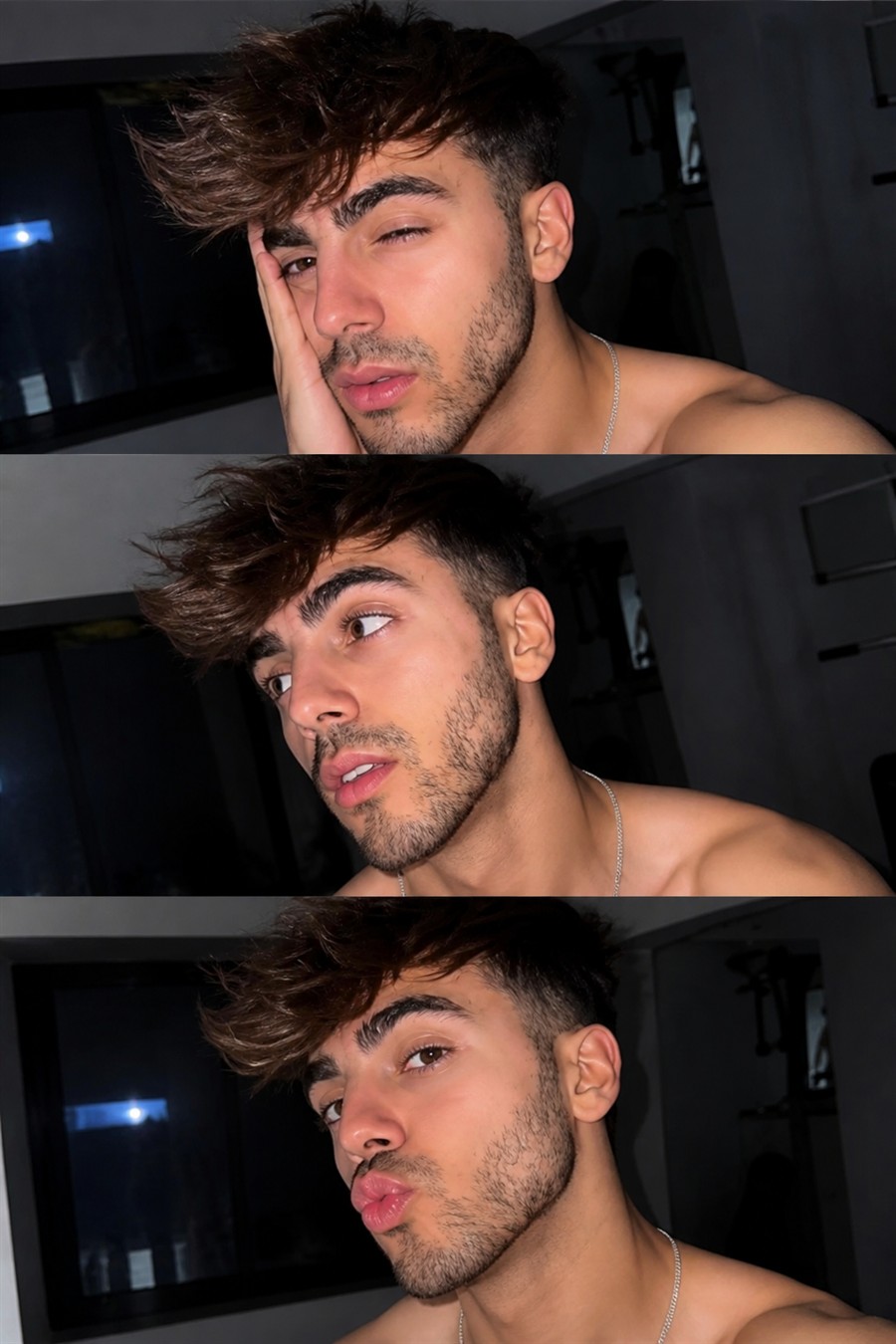
AI Photo Editing Prompts for GPT Image & Nano Banana
Copy 200+ free AI photo editing prompts for GPT Image 2.5 and Nano Banana. Create portraits, collages and more with ready-to-use prompts, or upload your photo and edit it with AI. No sign-up required.
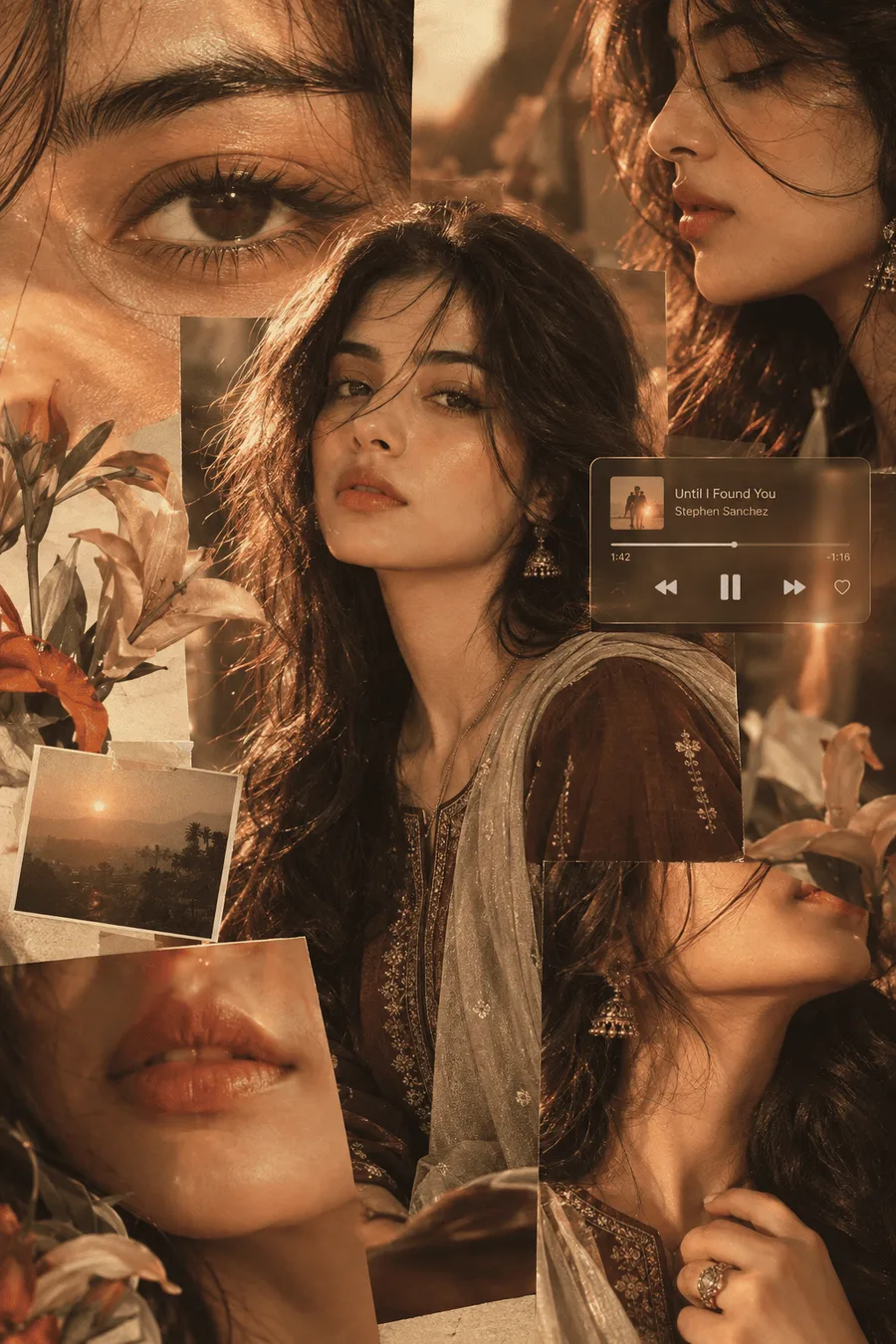
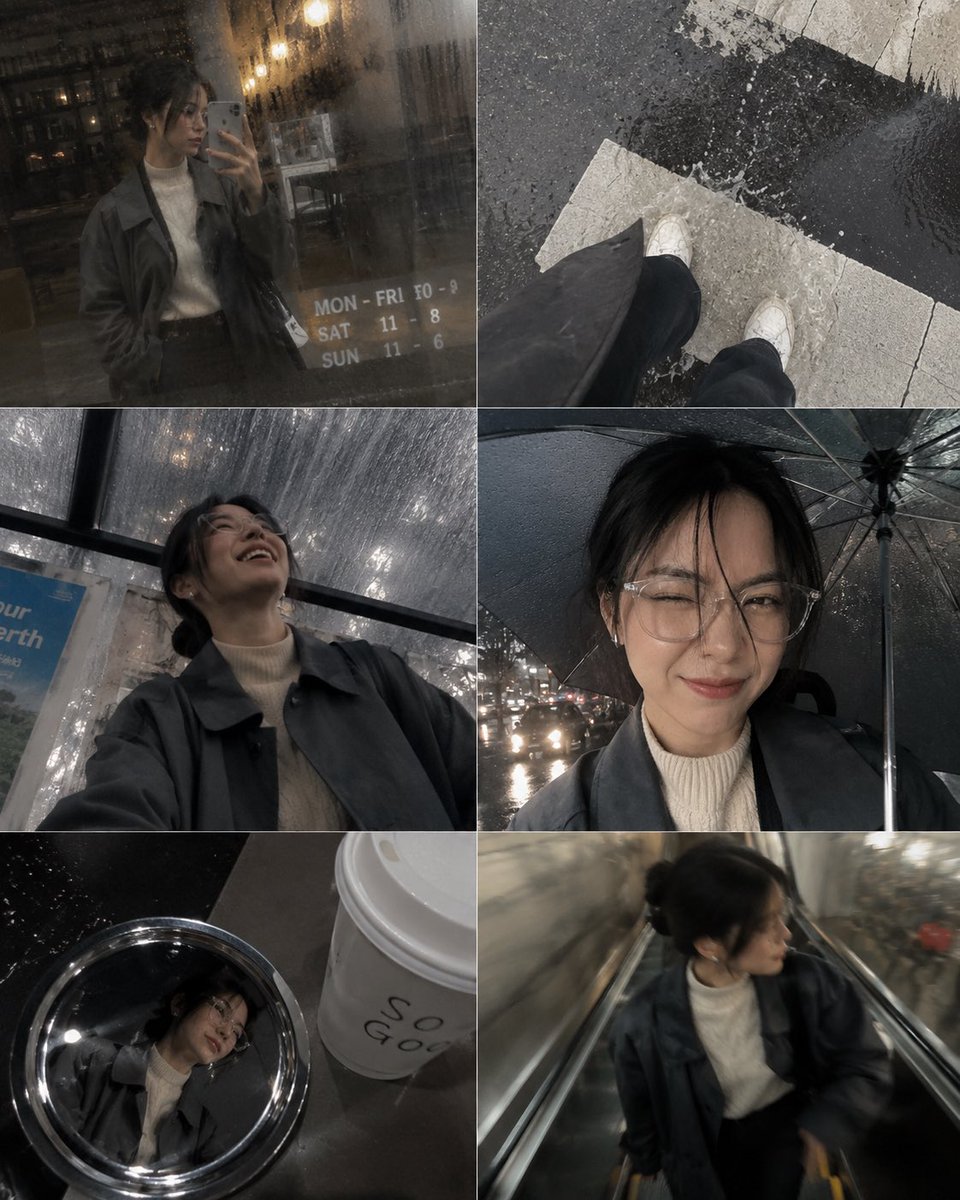
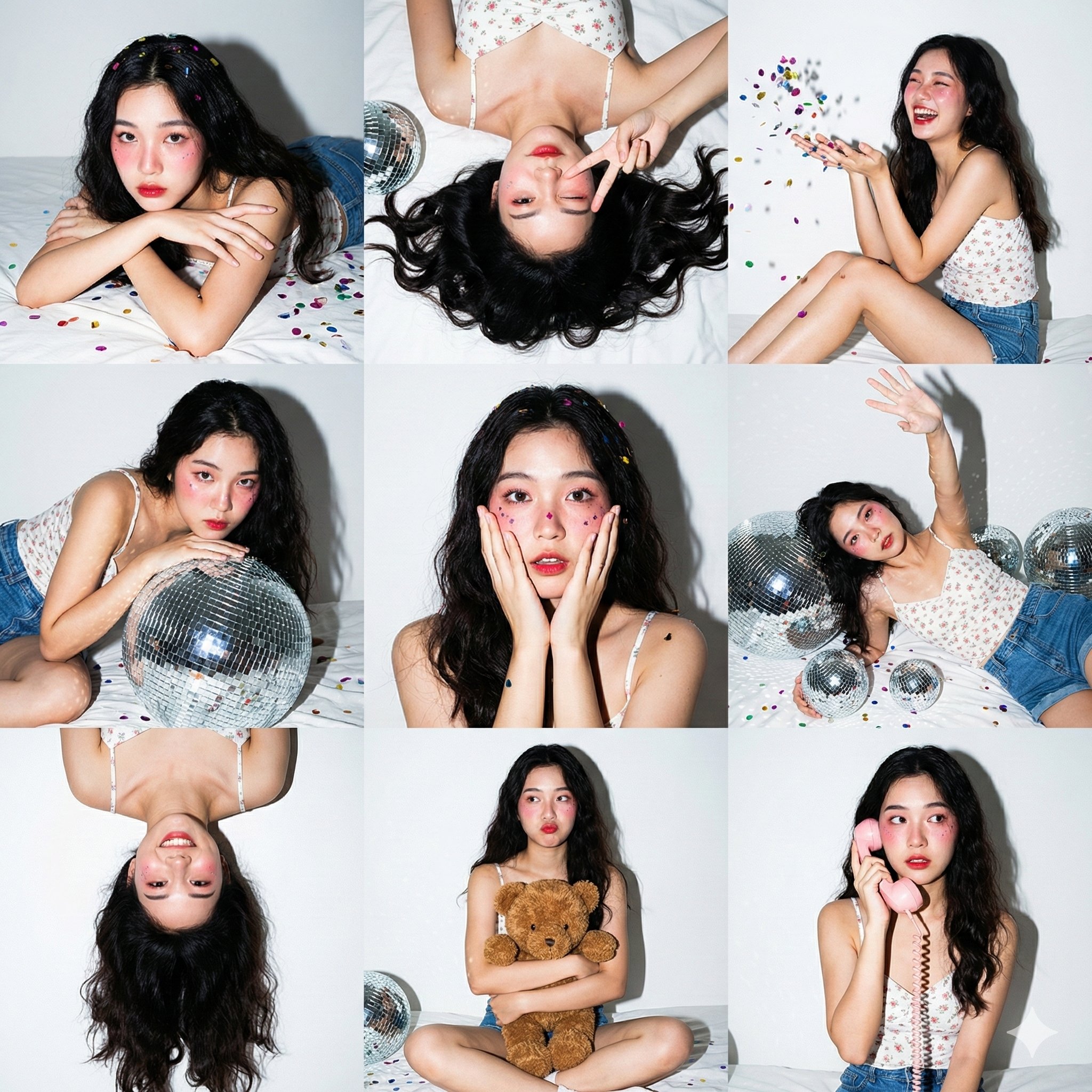
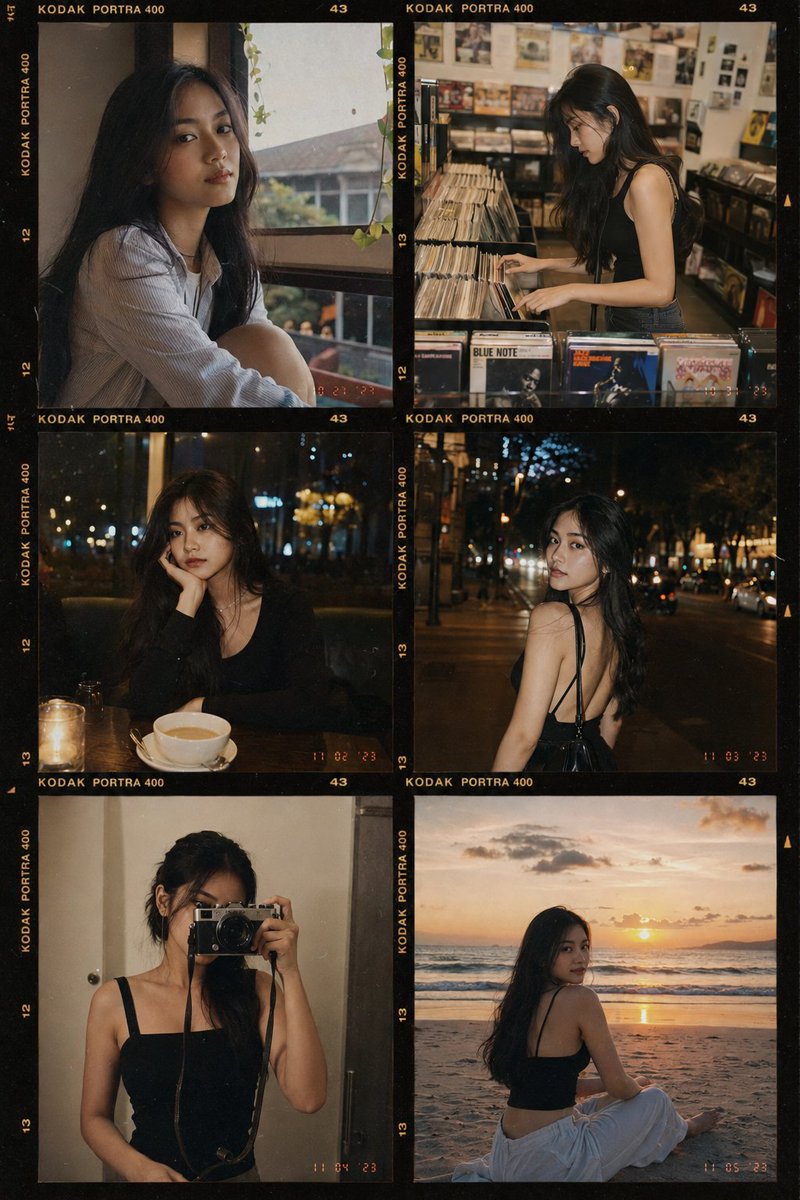
Featured AI Photo Editing Prompts
Hand-picked prompts to copy, customize, and make your own.
How to Use These Prompts
Turn your ideas into beautiful images with Visora.
Choose a Prompt
Browse our prompt library or enter your own idea.
Customize Your Prompt
Adjust the description to match your vision.
Generate Your Image
Use an available AI model to bring your idea to life.
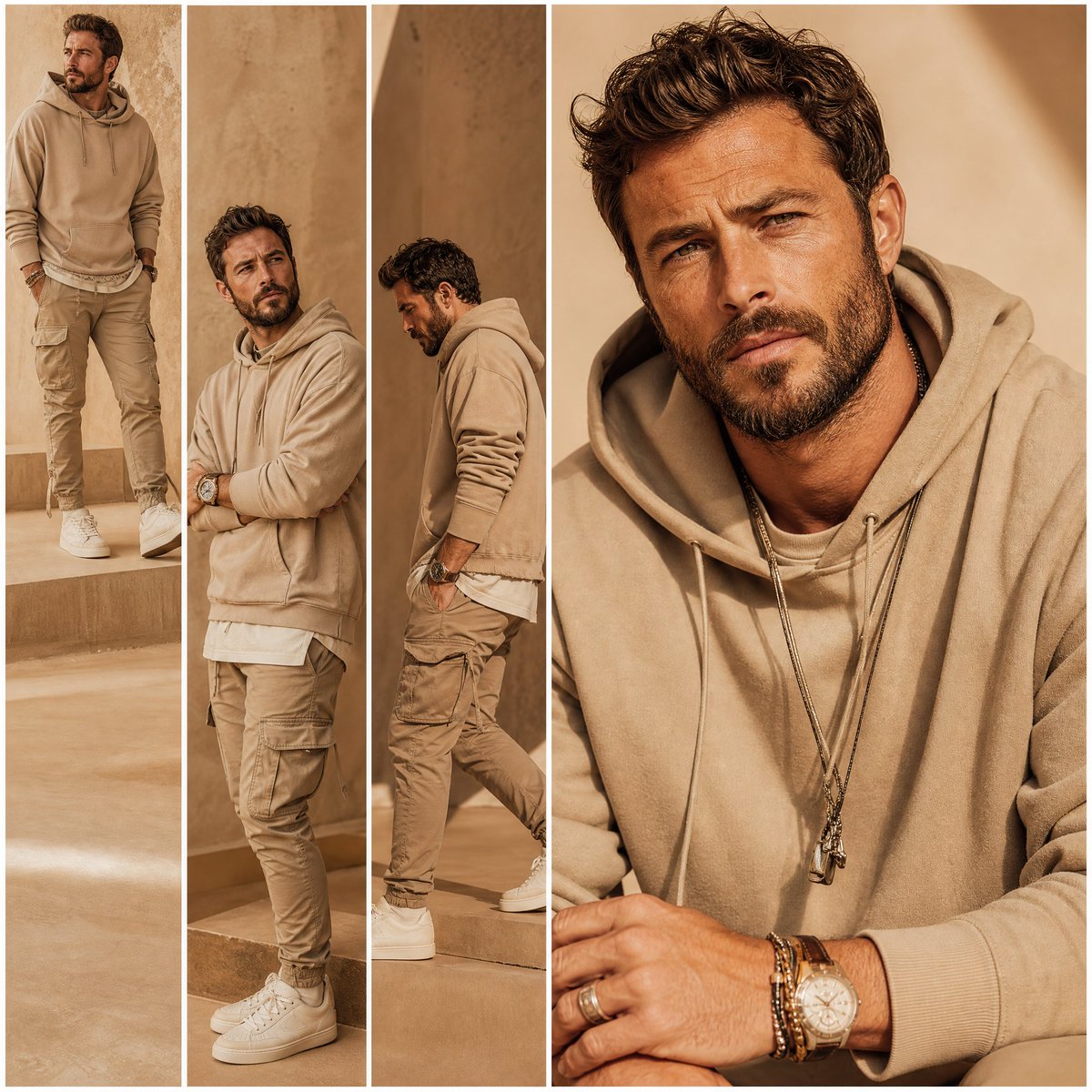
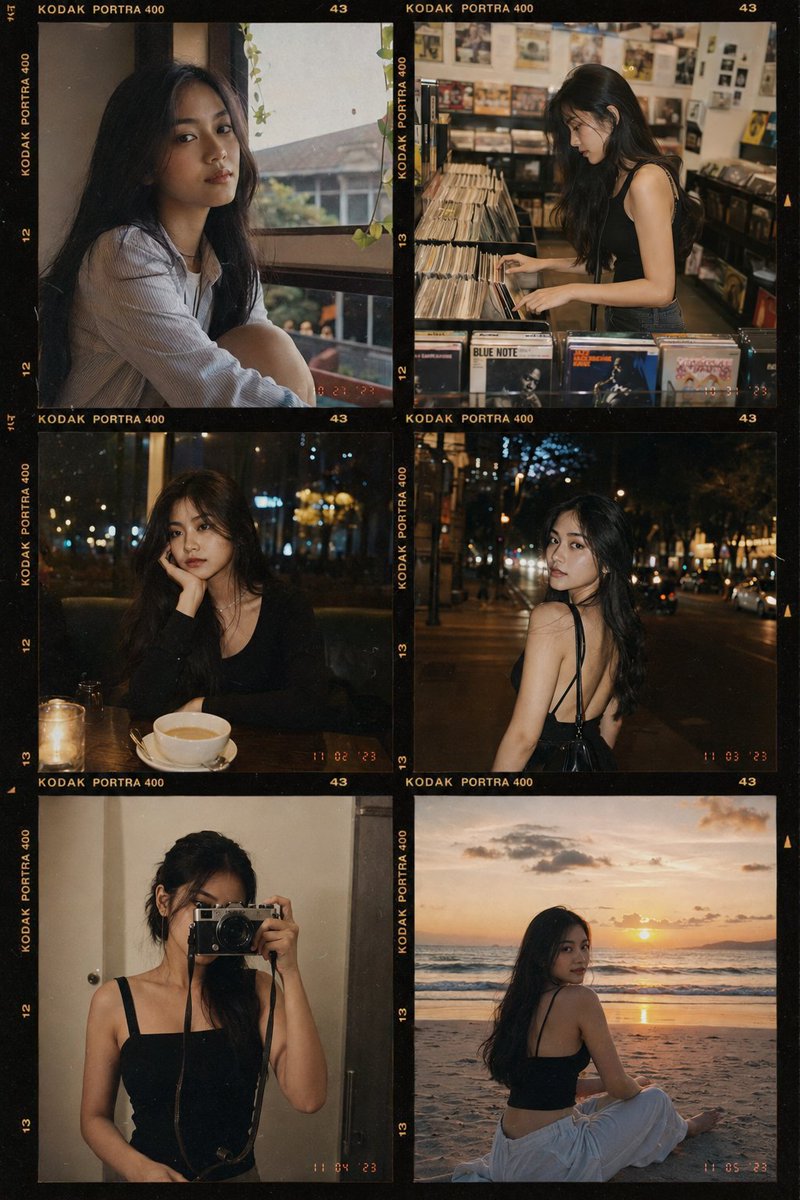
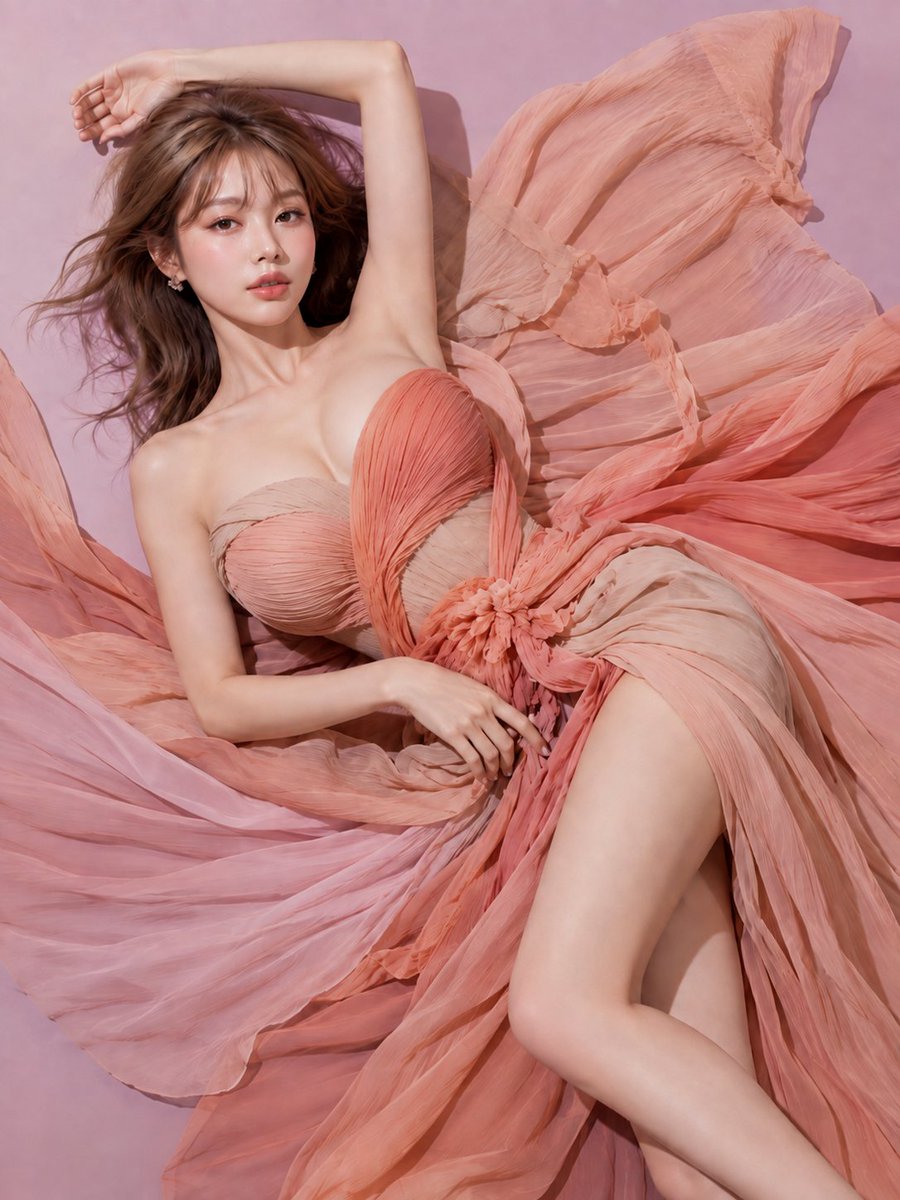
Frequently Asked Questions
View All FAQsAI photo editing prompts are text instructions that describe a desired image, visual style, subject, or transformation. Their results depend on the model and workflow you use.
Yes. Every prompt in the library is free to browse and copy, with no sign-up required.
Open a prompt, copy its text, and paste it into an AI image tool that supports image generation. Then adjust the subject and details for your own idea.
Prompts are written for current image models such as GPT Image and Nano Banana. Most also work in other editors, especially models that accept a reference image.
Yes. Edit the copied prompt to describe your subject, composition, lighting or preferred style.
Commercial usage depends on the model provider's terms and applicable law. Check the applicable terms before commercial use.